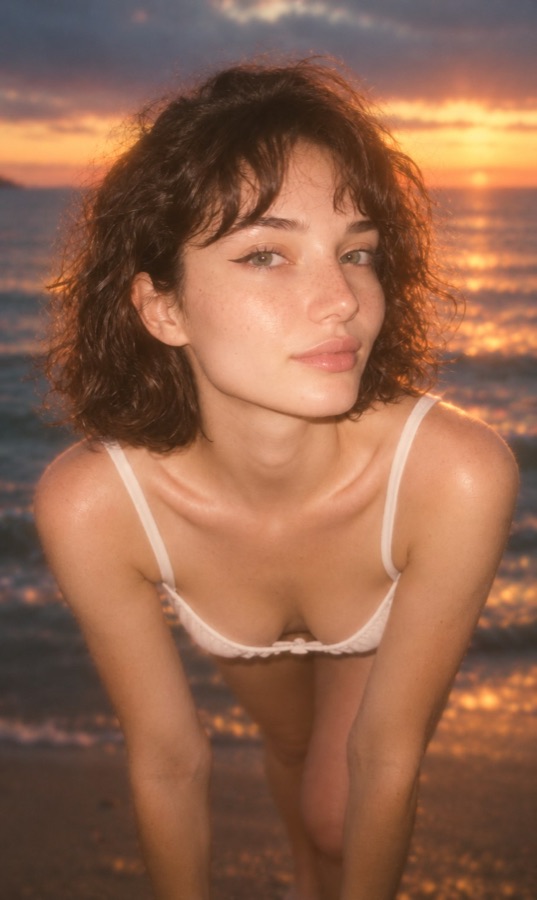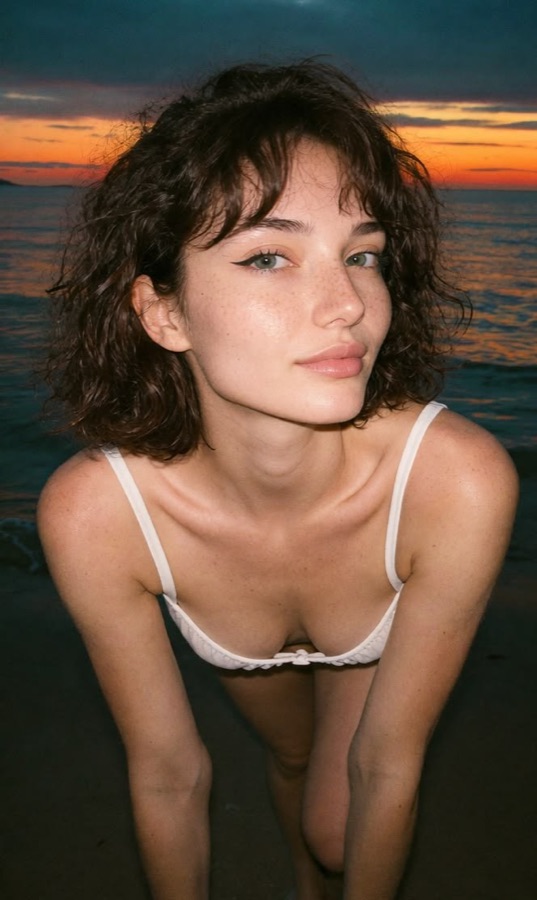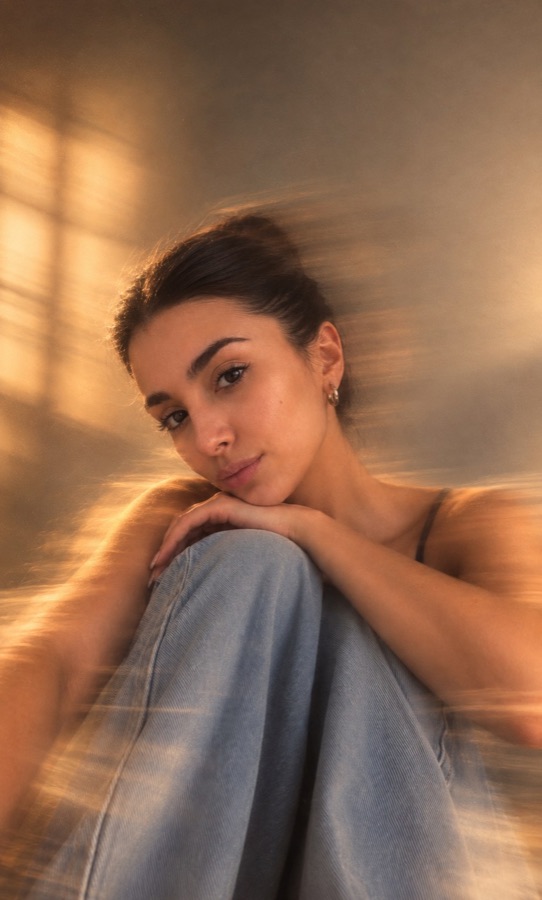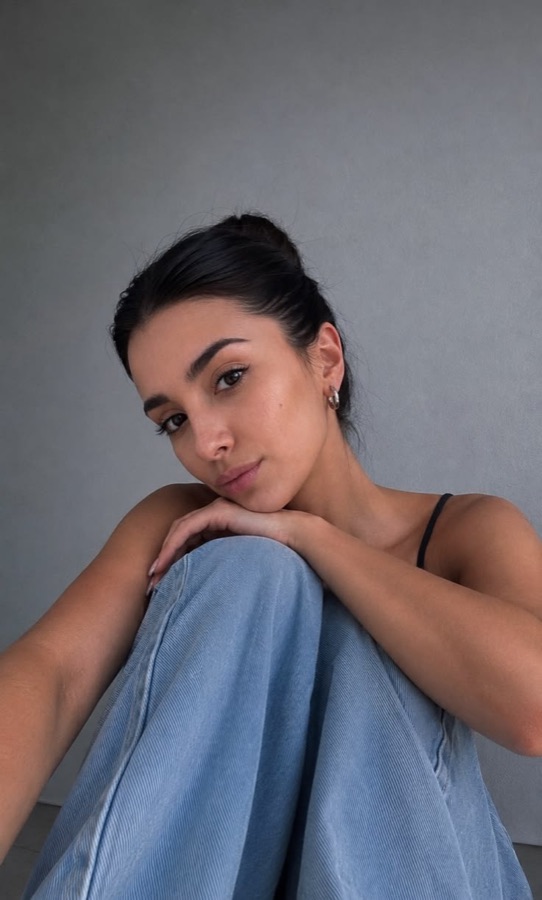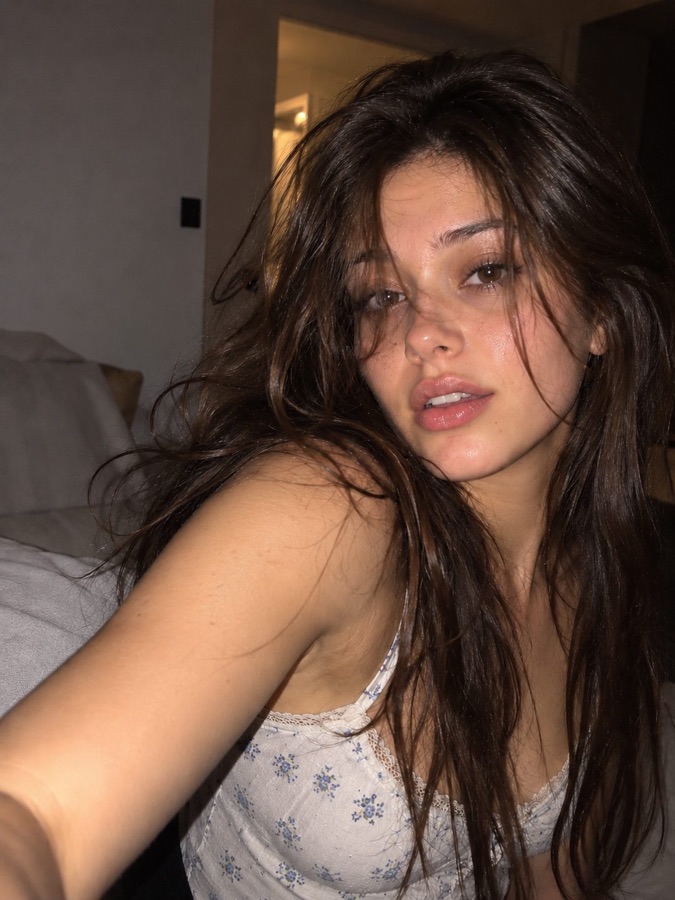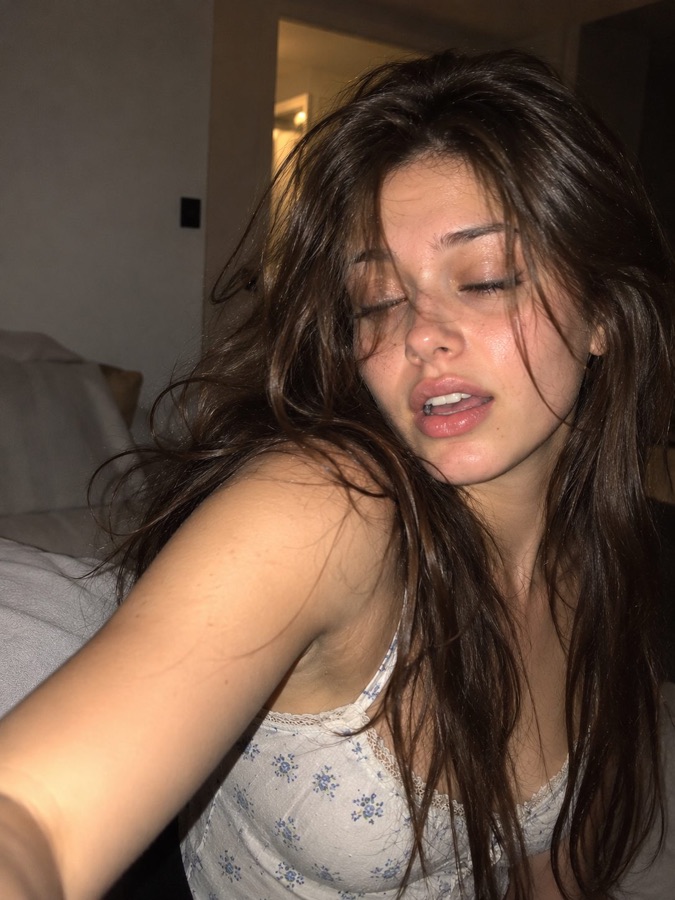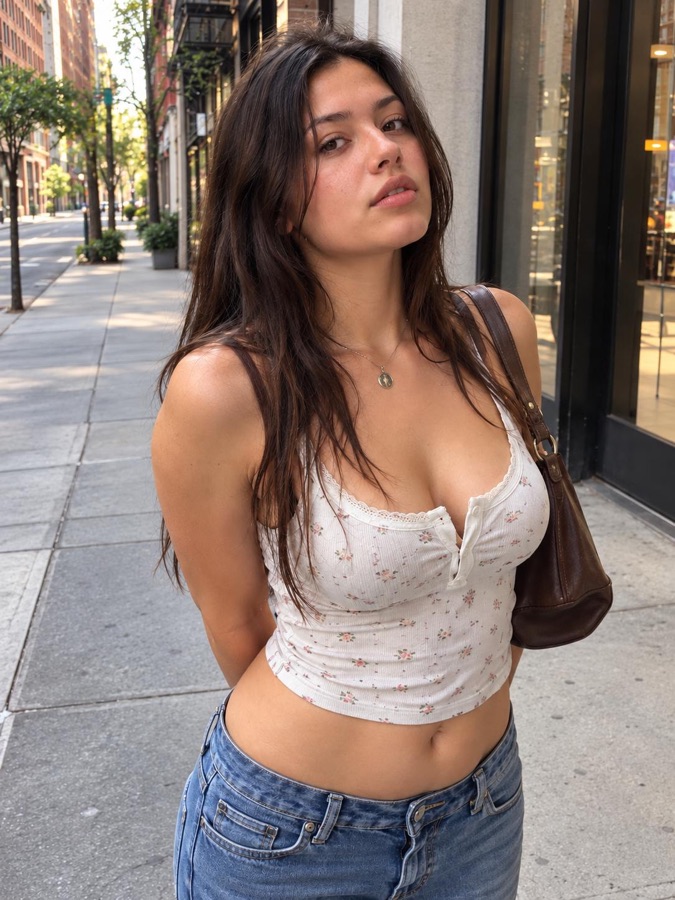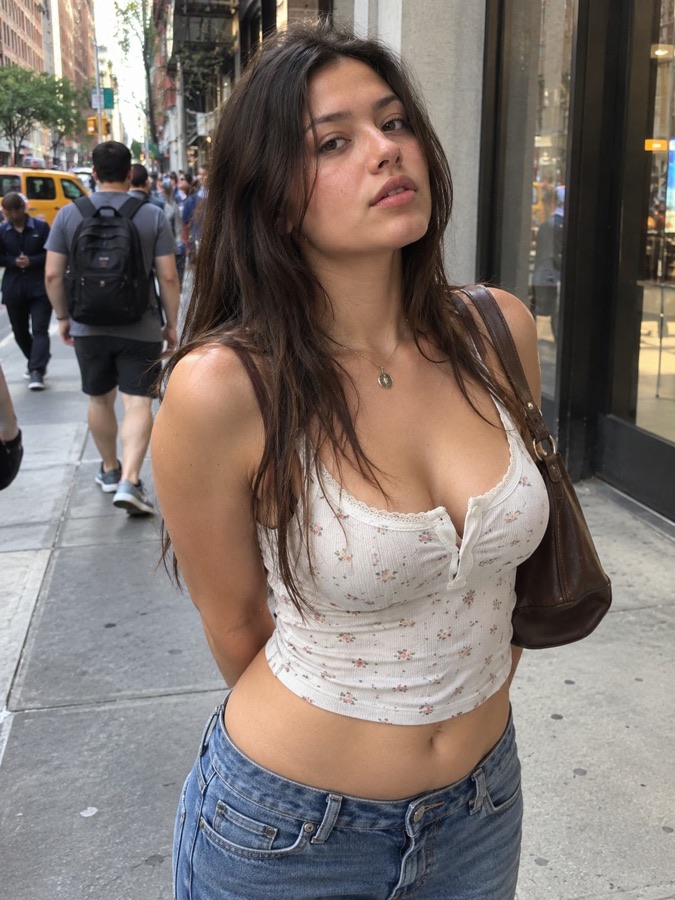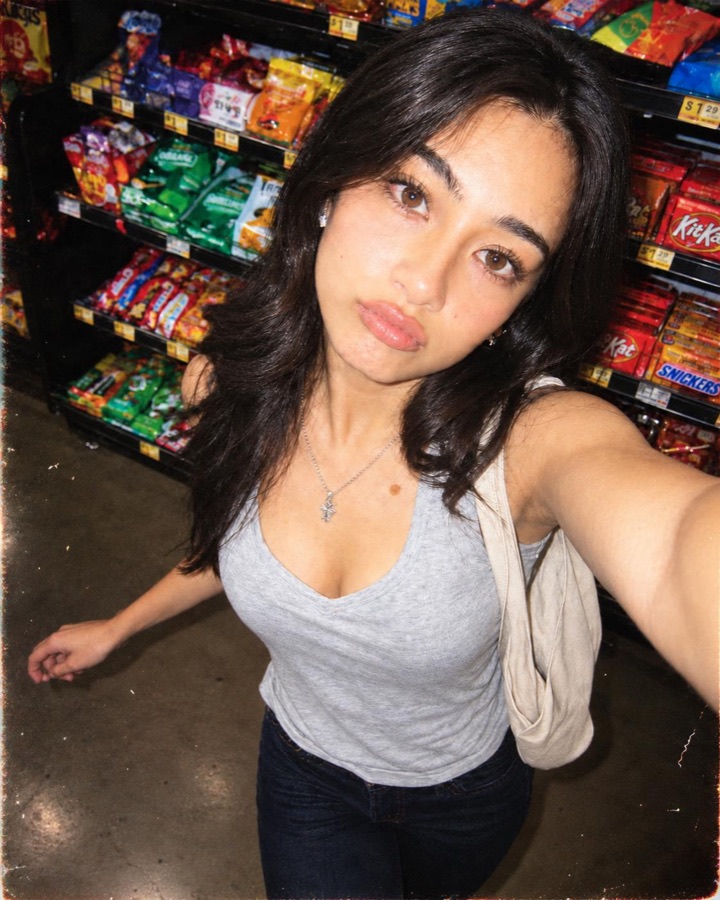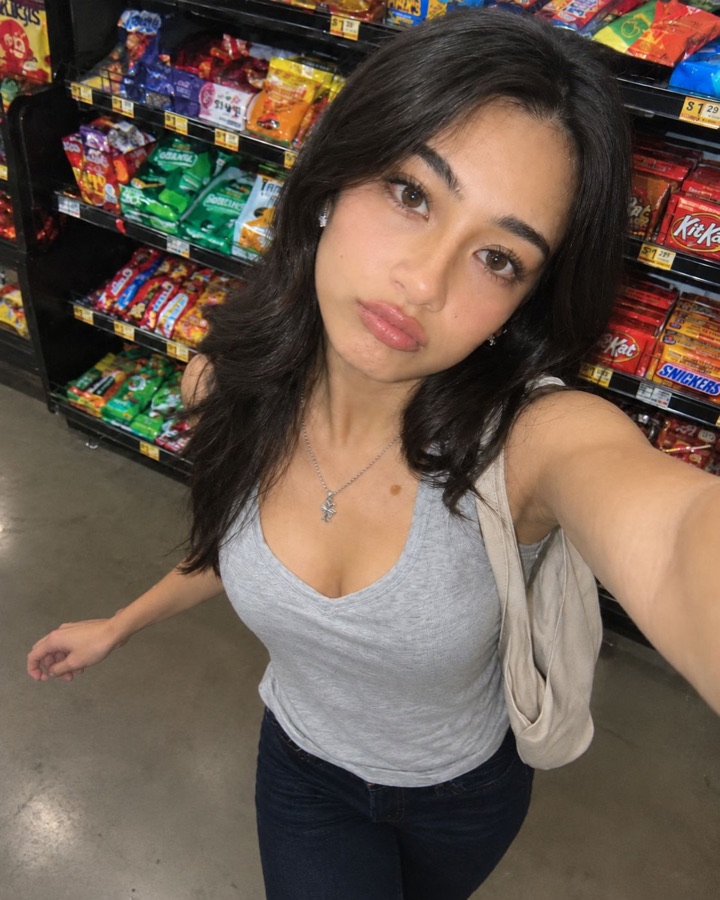
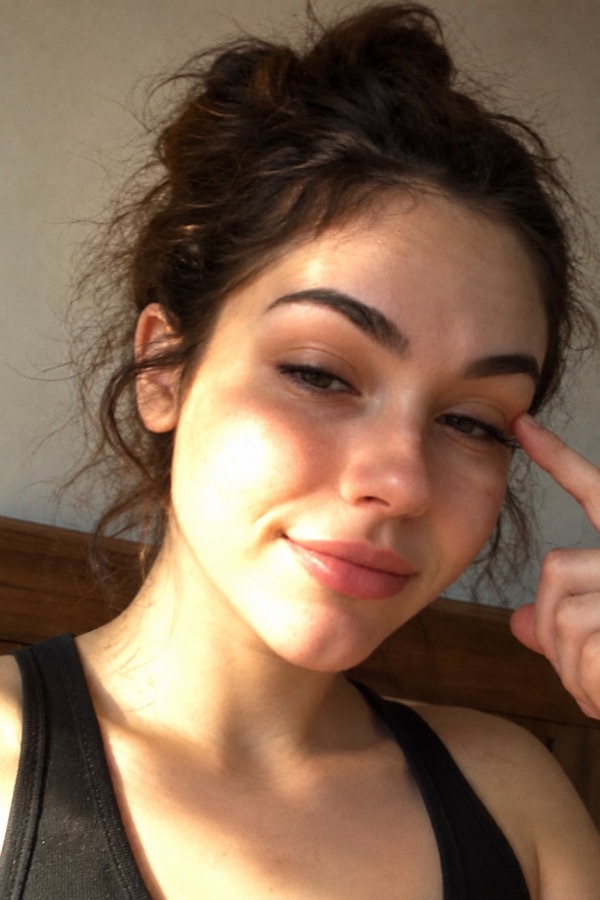
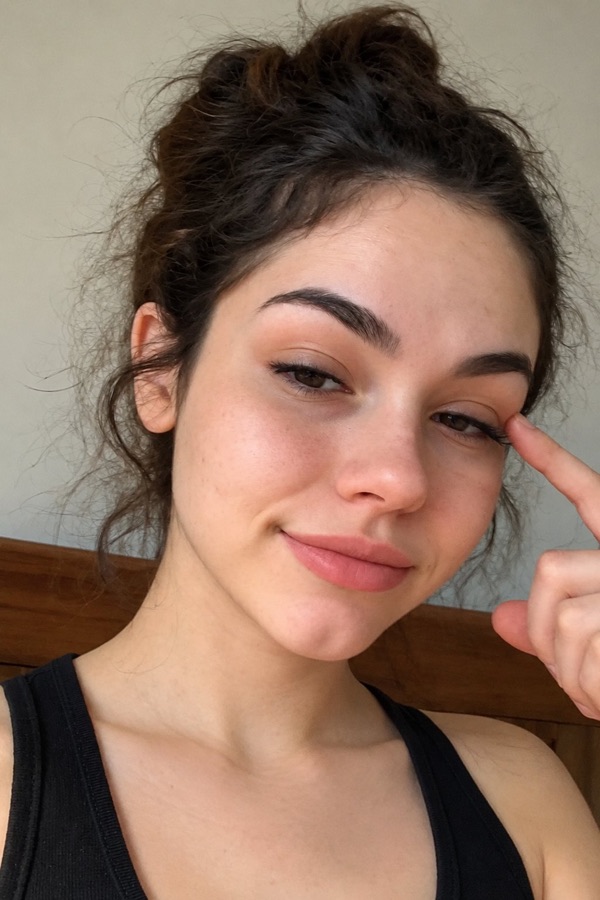
 BeforeSun Kissed
Effect, trending now
Sun Kissed
Sun Kissed is a Flashbae AI photo effect: it re-shoots your own selfie and keeps your scene. Adds a warm beam of sunlight and natural camera glow to your selfie.
- Open Flashbae and pick Sun Kissed in Looks.
- Add a selfie from your camera or gallery.
- Tap Make it. About 15 seconds later it's yours to save or share.
- Effect: keeps your scene
- One person
- About 15 seconds
- Added
Try Sun Kissed with your selfie
Upload a photo or snap one with your camera. AI re-shoots it in the Sun Kissed style and gives you a high-res photo to download free.
- 2Photo
- 3Generate
- 4Result
Step 2 of 4
Add your photo
- Face clearly visible
- Good, even light
- Just you in the shot
Tips for the best Sun Kissed photo
- Use a clear, front-facing selfie. AI keeps your face and pose, so a sharp photo where your face fills a good part of the frame gives the best likeness.
- Avoid heavy filters on the original. Start from the plain photo; the look brings its own light and colour.
- Any background works. An effect keeps your scene, so the photo still looks like where you took it.
- Fine-tune afterwards. The intensity slider fades the result back toward your original until it looks right.
How Flashbae AI looks work
An effect re-shoots your photo and keeps your scene: adds a warm beam of sunlight and natural camera glow to your selfie. Every look shows a before and after, and you can share a reveal video of the change. The photo you pick is sent to Google's Gemini image model to make the result; the upload isn't kept, and Google doesn't train on it.
Into the flash look? See digicam and Y2K flash filters and the guide to Y2K flash photos.