
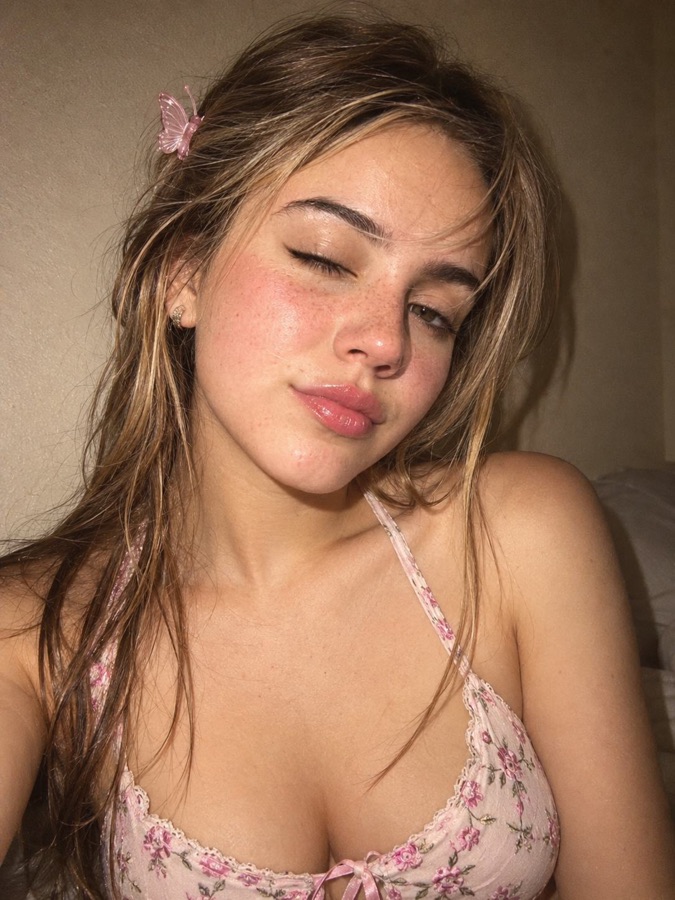
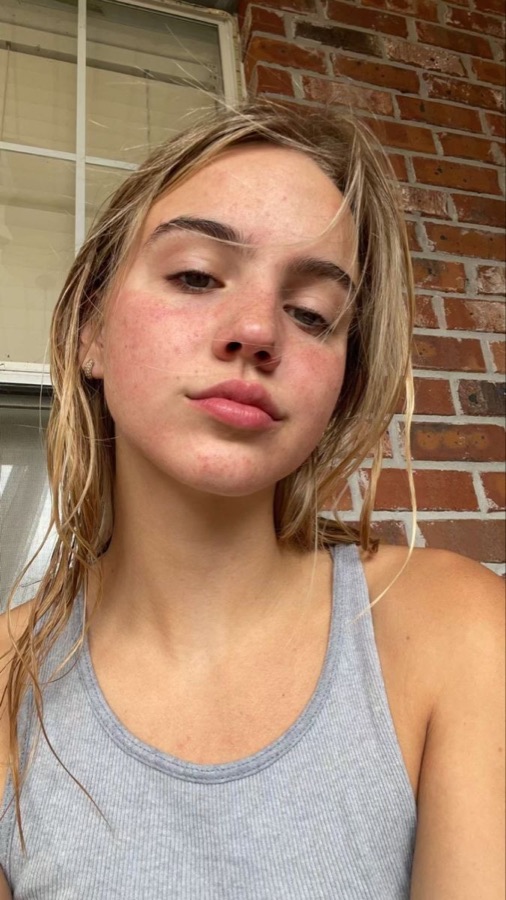
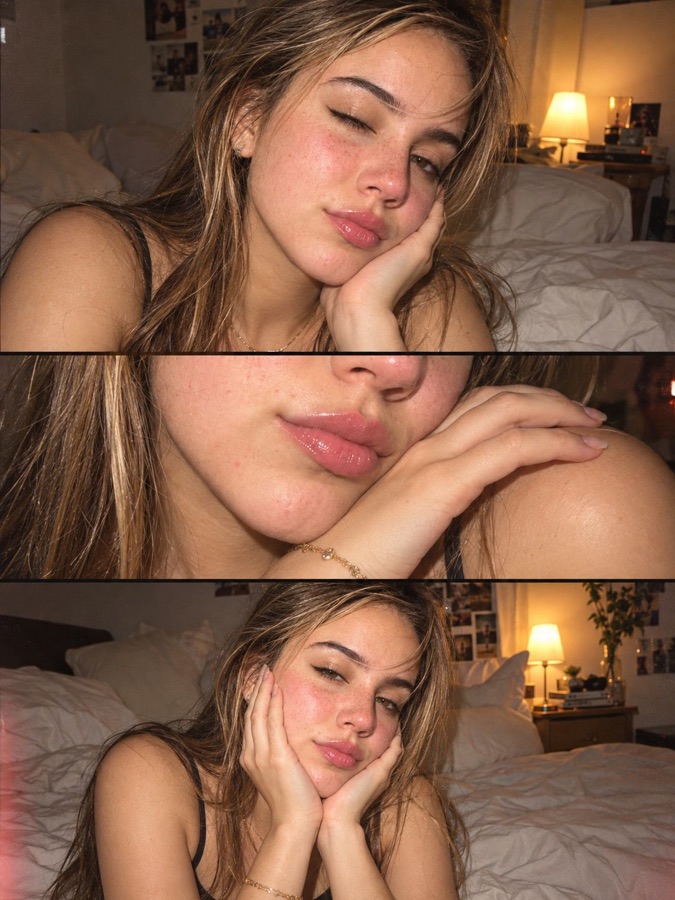
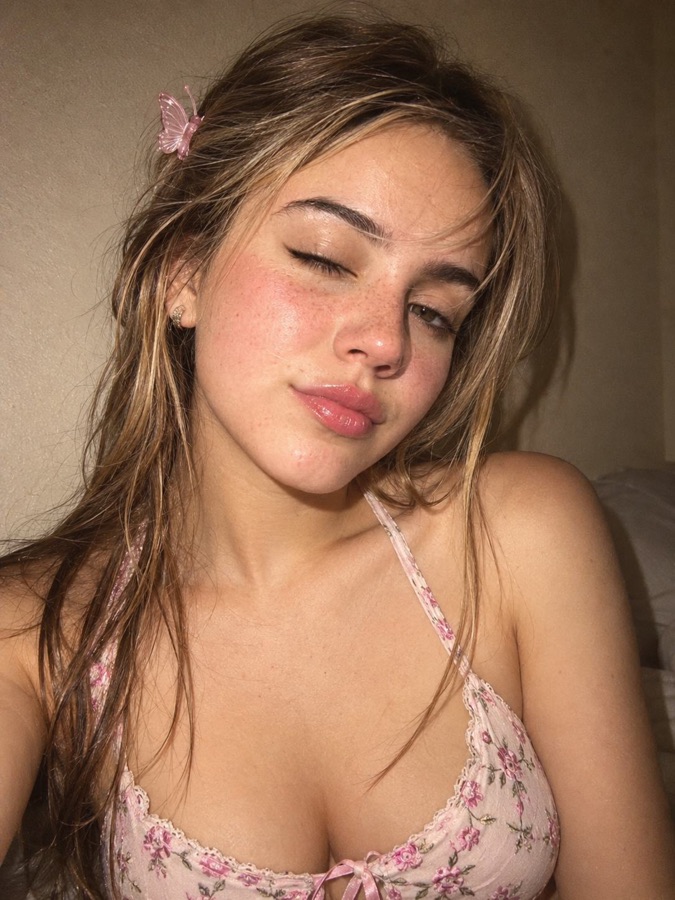
Three ways to get the flash look
1. Shoot it in the photo booth
The booth flashes the screen white for every frame, which lights your face like a small on-camera flash. Pick one of the flash films and the whole strip comes out like a night on a digicam:
- CCD Cam (free): A compact digital camera from the 2000s: cool, crisp colour and a blown-out flash.
- Y2K Digicam: Punchy, saturated digicam colour with a strong flash and dark corners.
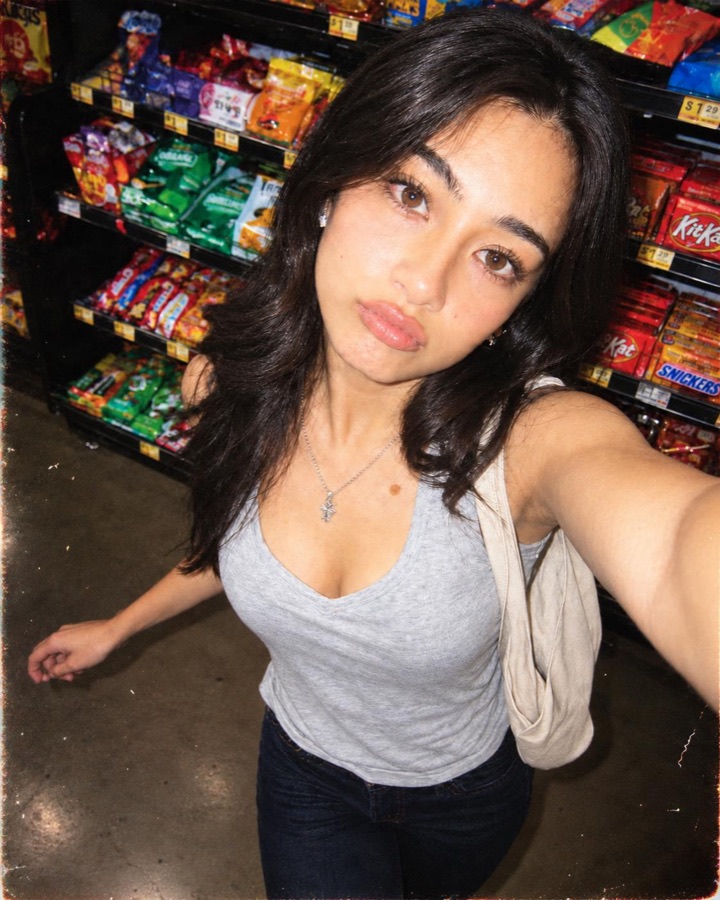
- Disposable: A throwaway camera at a party: flash, grain and that slightly off colour.
- Flash Glow (free): The flash-in-the-dark booth look: a warm flash, glowing skin and a soft vignette.
- Noir Flash: Hard black and white lit by a strong direct flash: a night-out photo in mono.
- Instax (free): Bright instant-camera colour with a gentle flash and a soft glow.
2. Re-shoot a selfie with an AI look
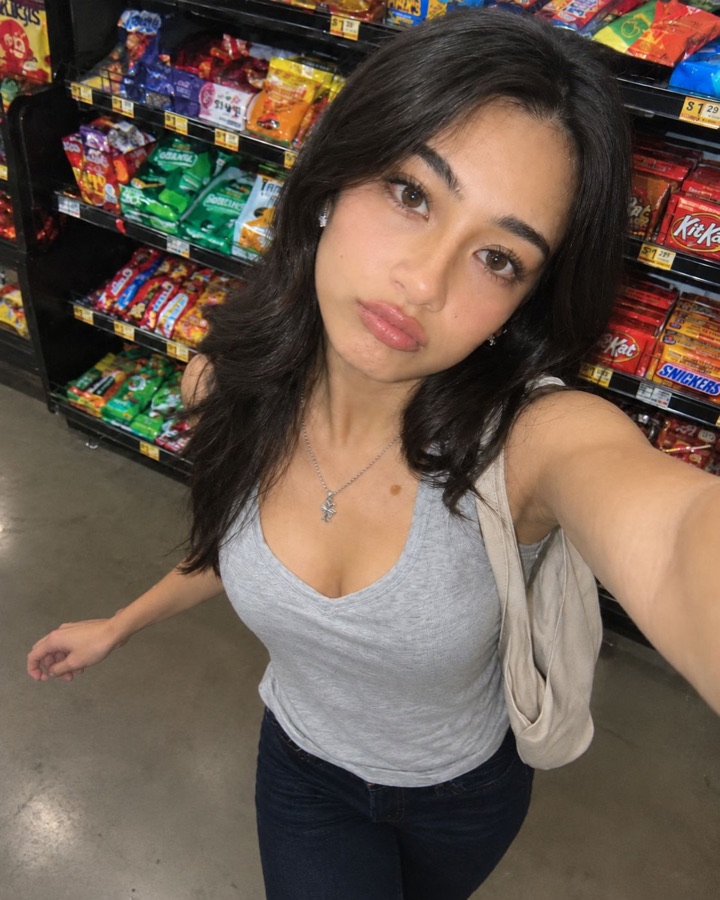
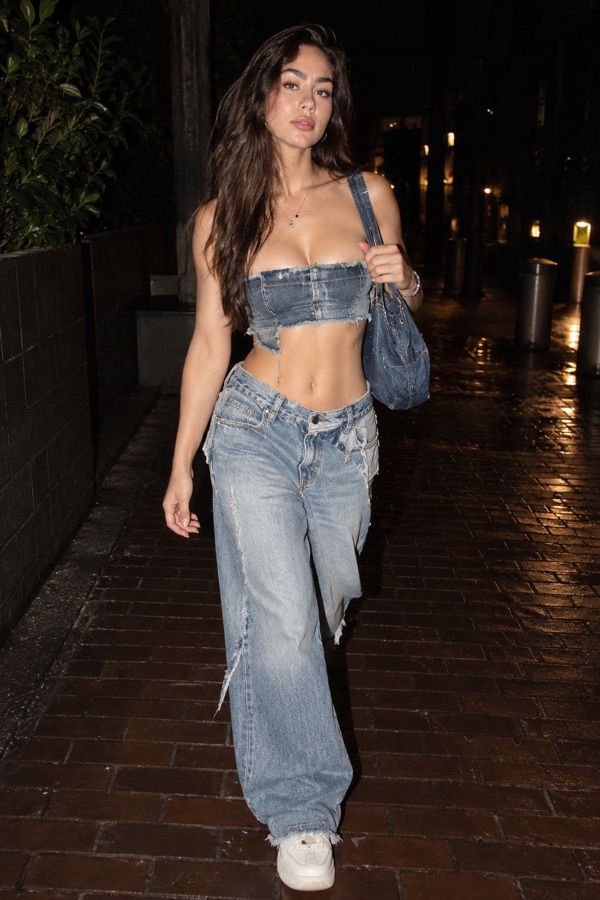
Already have the photo? AI looks relight it: Disposable Flash adds direct flash, punchy colour and a raw Y2K feel, while templates like Midnight Flash put you on a dark street lit by a flash. An intensity slider fades the result back toward your original.
3. Grade it in the film editor
The free film editor works on your phone without AI. The Digicam, Flash Pop and Disposable filters each have an intensity slider, and you can add light leaks, dust and a frame.
Which one should I use?
- Shooting with friends right now: the booth with CCD Cam or Y2K Digicam.
- A daylight selfie you want to look like a night out: an AI look. A colour filter can't add a flash that wasn't there.
- A photo that already has flash: the film editor, to push the colour further.
Step-by-step: how to get the Y2K flash look on iPhone.